Download WorkBuddy in Malaysia
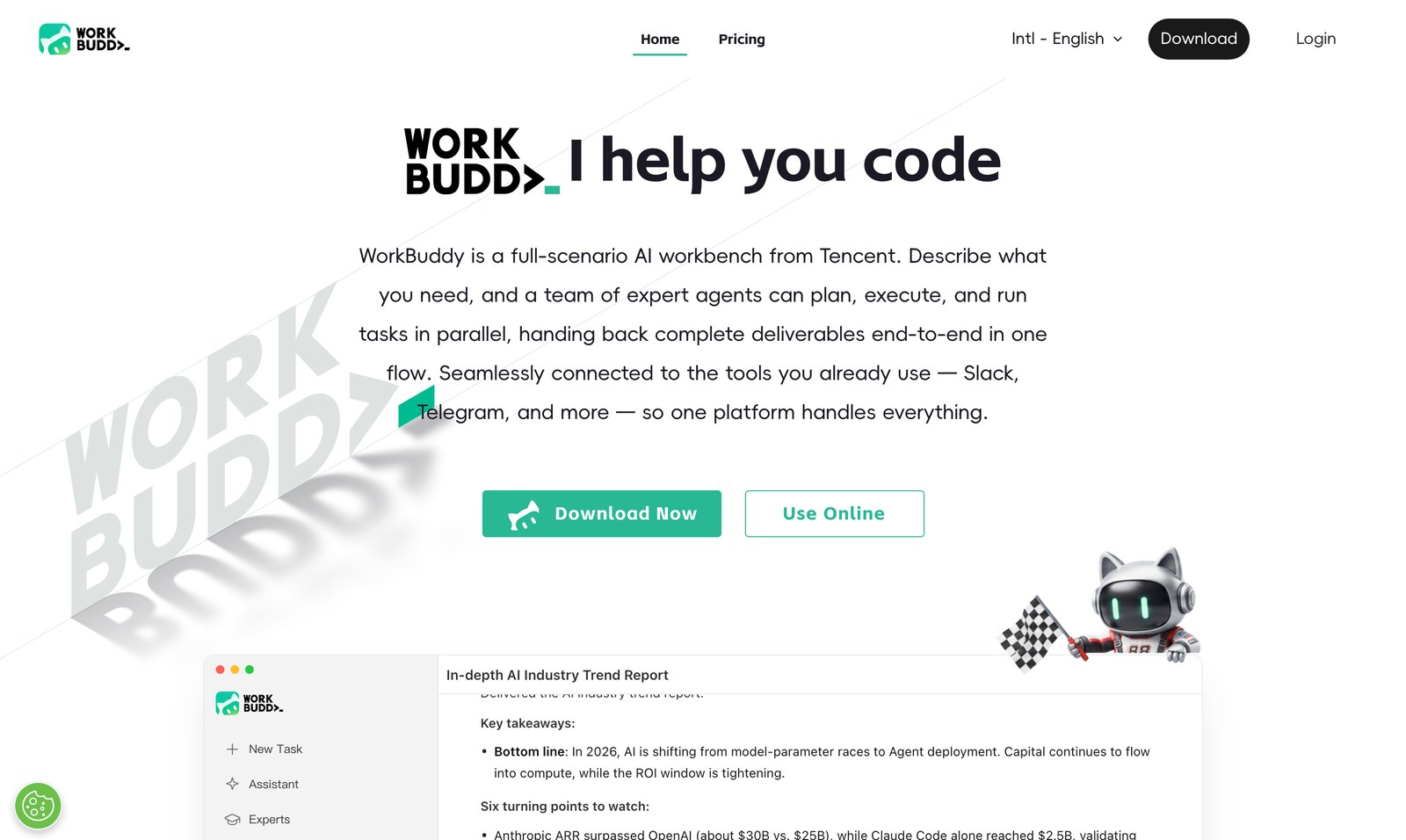
One official source — workbuddy.ai — and the international edition. Same account carries your 100 monthly credits.
One rule first: use the official domain. Malaysian users are on the international edition. Avoid third-party "repack" installers and shared-drive downloads — they are the single most common way people end up on the wrong build with no support.
Download by device
WorkBuddy is not one download. Pick the version that matches how you work — the desktop build is meaningfully more capable than the rest.
Desktop — macOS and Windows
The fullest version. It reads and writes files inside folders you authorise and runs several tasks at once. Install from workbuddy.ai.
Browser — nothing to install
Click Use Online on the official site and start in the browser. Built for locked-down office laptops and quick jobs.
iOS — free in the Malaysian App Store
WorkBuddy – AI Work Agent by Tencent Technology (Shanghai) Company Limited.
About Android: an Android app also exists, but Tencent distributes it through its own download site and Chinese app stores. There is no Google Play listing — so do not go looking for one, and treat any Play Store "WorkBuddy" result as unrelated.
Six steps to a working install
Confirm you are on the international edition
Malaysian users use the international edition at workbuddy.ai. The China edition runs on a separate account and billing system.
Download the build for your device
Desktop installer for macOS or Windows, or skip straight to Use Online in the browser.
Sign in with your email
Email sign-in. The free plan needs no credit card.
Enter the code at sign-up
New accounts get +350 credits on top of the monthly allowance — BigDomain applies it during onboarding. (How the credits work)
Give it a folder, not your whole disk
Authorise only the folder the task needs. That is the boundary it works inside.
Hand it one real job
Pick something that would cost you an afternoon, and judge the output. (10-minute setup)
See what you are installing
Which edition did you install?
Getting this wrong is an easy mistake, and it changes your account, your billing and your support.
| Edition | Who it is for | What to know in Malaysia |
|---|---|---|
| International (workbuddy.ai) | Users outside mainland China | This is the one for Malaysia. Free credits, the daily reward and new-user bonus all apply here. |
| China edition | Users in mainland China | Different account and billing system, wired into WeChat and QQ. Not the one you want. |
Region limits worth knowing up front: Tencent states that feature availability varies by country, region and language, and that subscriptions and skill installations are currently available only in mainland China. The free tier is usable in Malaysia. Full pricing detail.
Is WorkBuddy free to download in Malaysia?
Yes. The download is free and the Free plan needs no credit card — it includes 100 credits a month plus a daily active reward. New users get 350 extra credits for new users.
Do I need a credit card to install it?
No. You can install, sign in and run real work on the free plan without entering payment details.
Which version should I install on a work laptop?
If you cannot install software, use Use Online in the browser. If you can, take the desktop build — it is the version that works with your local files and runs tasks in parallel.
Is there a Google Play version?
No. There is an Android app, but Tencent ships it via its own download site and Chinese app stores. There is no Google Play listing.
What are the system requirements?
WorkBuddy runs on current macOS and Windows releases, and in a modern browser. Check workbuddy.ai for the current minimums before you roll it out to a team.
Can I install it on more than one machine?
Yes — the account is the same, so you can sign in on a desktop and use the browser version elsewhere. Team seats and pooled credits are a separate plan; see pricing.
Next: add the code and start on the free plan, or talk to us about onboarding a whole team with RM invoicing.