WorkBuddy vs Gemini for Malaysian teams
WorkBuddy vs Gemini is a choice between two kinds of help. Gemini lives inside Google's world — Docs, Sheets, Gmail, search-grounded answers — and suits teams already working there. WorkBuddy is a desktop agent that works on your machine, inside folders you authorise, and returns finished files rather than suggestions.
The short version: a Malaysian team running on Google Workspace may find Gemini the smoother fit; a team that needs a ready deliverable from messy local files will usually prefer WorkBuddy.
The comparison, on the dimensions that matter here
| Dimension | WorkBuddy | Gemini |
|---|---|---|
| Home ground | Your desktop and its local files | Google Workspace, Drive, Gmail |
| Typical output | A finished file — report, quote, deck, sheet | Edits, summaries and answers inside Google apps |
| How it reaches your data | Via folders you authorise on your machine | Via your Google account and Drive |
| Starting cost | Free plan, 100 credits/month, no card | Free to try; fuller features via Google's own plans |
| Multi-model | Routes across several leading models per task | Built on Google's own models |
| Best fit | Non-Google workflows and cross-source documents | Teams already standardised on Google |
The line that separates them most is "how it reaches your data". Gemini starts from your Google account. WorkBuddy starts from a folder on your machine — which matters when your source files never made it into Drive.
Where each one wins
Where Gemini is the stronger choice
Gemini is the better fit when your working life is already inside Google. If quotes live in Sheets, briefs in Docs and client threads in Gmail, an assistant that sits in the same place saves the copy-paste. Its search grounding also helps when you want answers tied to current web results.
Where WorkBuddy earns its place
WorkBuddy earns its place when the deliverable is a file and the sources are local. A mix of downloaded quotes, supplier PDFs and meeting notes becomes a comparison sheet and a proposal without you feeding each piece in by hand. It also suits teams that are not on Google.
A contractor's week, two ways
Picture a renovation contractor in Ipoh who quotes ten jobs a week. On Gemini, he works inside Google: he drafts the client email in Gmail and adjusts his quote sheet. On WorkBuddy, he drops the site notes and supplier prices into a folder, asks for a quote and a one-page scope, and reviews two files that arrive together. The choice depends on whether he wants help while working or a deliverable after.
Starting cost and the free plan
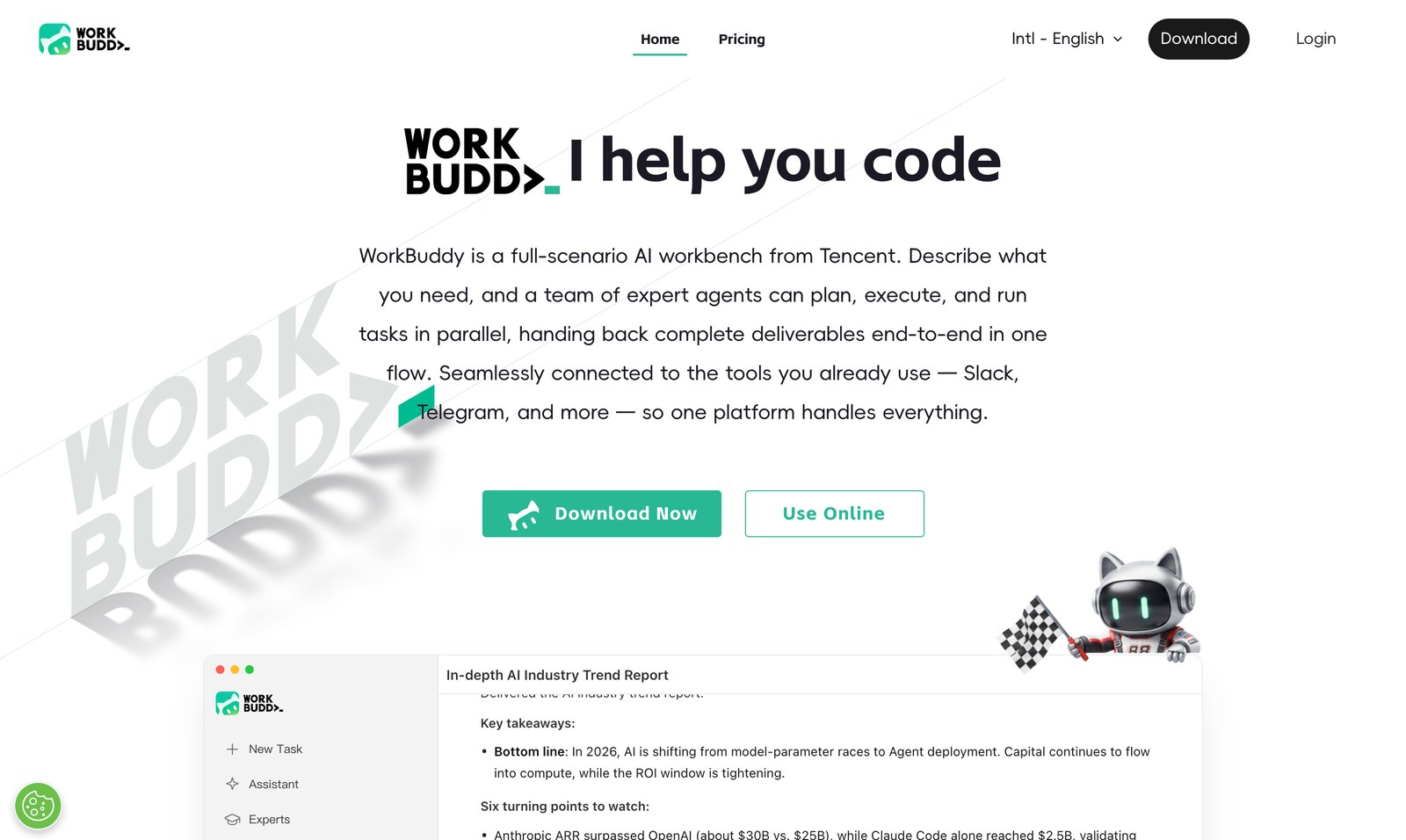
The entry point differs: Gemini's fuller features come through Google's own product plans, and the basics are free. WorkBuddy gives a free plan with 100 credits a month, a daily reward and a 350-credit new-user bonus, so a Malaysian SME can run real jobs before paying. See what each plan costs and how the free credits work if cost decides it.
Which one for whom
Stay with Gemini if…
Your files and threads already live in Google Workspace, and you mostly want help inside those apps.
Move to WorkBuddy if…
Your source material is a folder of mixed local files, and the output must be a finished document for someone else.
For the rest of the field, see WorkBuddy vs ChatGPT and WorkBuddy vs Claude, browse the agentic use cases, or try WorkBuddy free and test it on your own folder.
Common questions
Is WorkBuddy an alternative to Gemini?
They solve different shapes of problem. Gemini is Google's assistant, strongest inside Workspace and search-grounded answers. WorkBuddy is a desktop agent that reads and writes files in folders you authorise and returns finished deliverables.
Which is better if my team already uses Google Workspace?
If your quotes, briefs and client threads already live in Sheets, Docs and Gmail, Gemini sits where your work already is. If your source material is a folder of mixed local files, WorkBuddy does more of the assembly for you.
What does WorkBuddy cost to start?
The free plan gives 100 credits a month with no credit card, plus a daily reward and a 350-credit new-user bonus. Paid options are on the pricing page.
Can I use both Gemini and WorkBuddy?
Yes. A common split is Gemini for work inside Google apps and WorkBuddy for cross-source documents that arrive from your desktop. The overlap is small, so keeping both rarely wastes anything.
Next step
If your work ends in a finished file rather than an app edit, run one real job on WorkBuddy's free plan and compare.