How to use WorkBuddy in Malaysia: 10-minute setup
Sign up on the international edition, enter code while the account is new, install the desktop app, authorise one folder, and run a single real task.
The order is the trick. Do the sign-up and enter the code first, because the bonus applies to new accounts only. Everything else — install, folder, first task — follows from there.
The 8-step setup
Work through these in order. Each step takes a minute or two.
Sign up
Go to workbuddy.ai and create an account with your email. You are on the international edition. No credit card is needed.
Enter the code
In the invitation-code field during sign-up, type the new-user bonus. This adds 350 bonus credits to a new account. It cannot be added later.
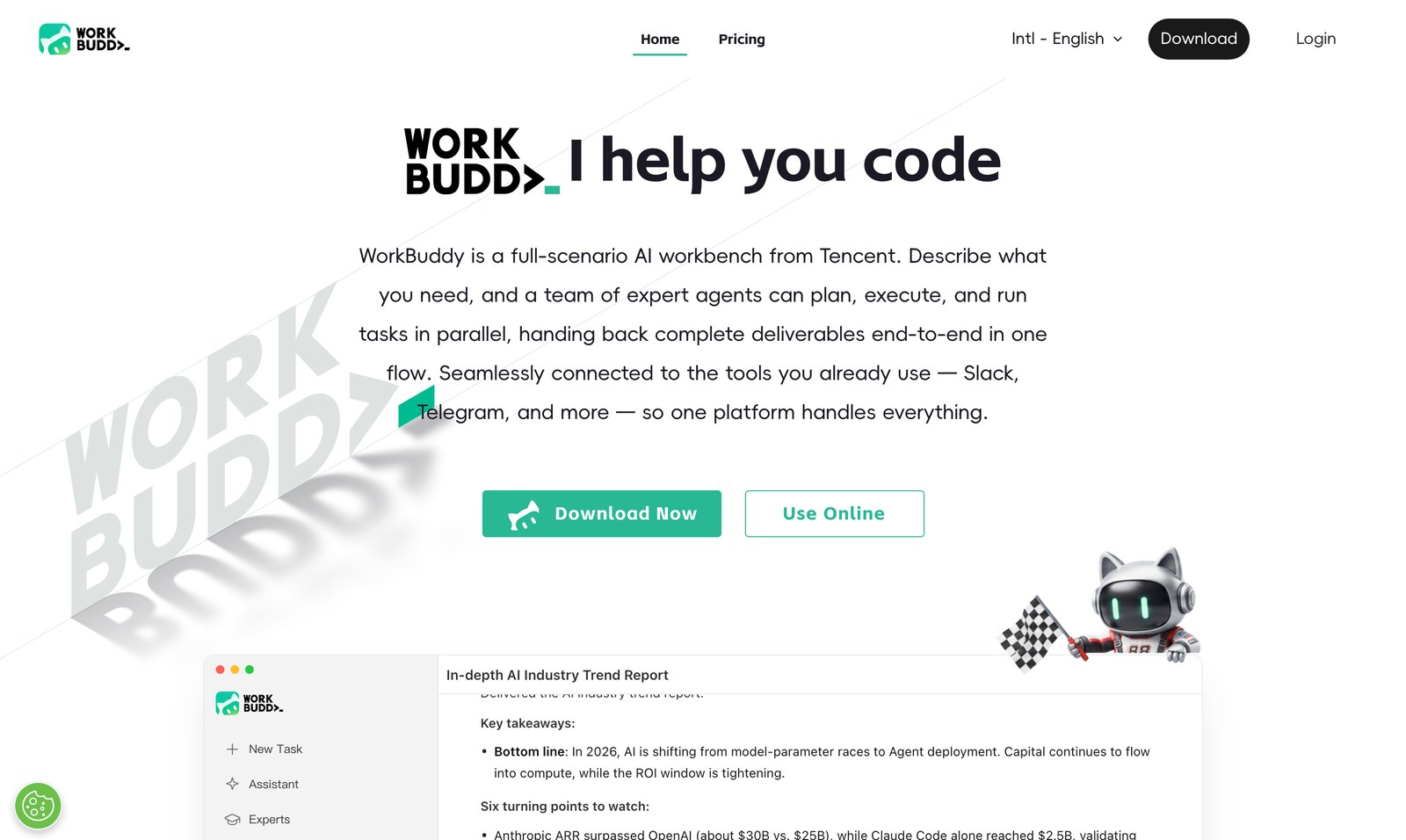
Download the desktop app
Install the macOS or Windows build. If you cannot install software, use the browser version instead — but the desktop app is the fuller one. (Device-by-device guide)
Check your credits
Open the account usage page and confirm the balance, including the bonus. Use your free credits explains where each source comes from.
Authorise a folder
Point WorkBuddy at one working directory — a single project or a set of documents. Keep it narrow; you can widen it later.
Pick a working mode
WorkBuddy runs in two modes: cloud mode (the agent works on Tencent's servers) and computer-connected mode (the app drives WorkBuddy on your own desktop).
Give it your first task
Ask for one concrete deliverable: a one-page summary, a formatted quote, or a short set of slides. Be specific about the format you want.
Review the deliverable
Open the returned file, check it, and adjust. This closes the loop and shows you where the agent is strong.
Your first task: what to ask for
The first task sets your expectation, so make it small and real. A good opening request names the outcome, the source and the format: "From the three files in this folder, write a one-page summary of the pricing differences and save it as a document." Keep starter prompts open on your first run.
Setting up for a Malay or Chinese task
The same routine works in any of the three working languages. If your team writes in Bahasa Malaysia, ask for the output in Bahasa Malaysia. If a client thread is in Chinese, hand it over and ask for a clean English version. Cross-language work is where a Malaysian desk gains the most, so try it in your first week rather than your first month.
A first run that goes well
Picture a marketing team in Petaling Jaya with a quarterly report due. Instead of building it by hand, they put the campaign exports in a folder, ask for a summary of what performed and why, and request a slide outline. The summary comes back first; they approve the direction; the outline follows. What used to be a two-day scramble becomes an afternoon of review.
See it
Good habits from the first day
Say it once, clearly
Put the goal, scope and output format in one request instead of a string of small messages.
Stage the big jobs
Break work into an outline, your approval, then the full build — so you never pay to redo a document.
Keep folders narrow
A tight working directory means the agent always knows which files are in scope.
How long does it take to start with WorkBuddy in Malaysia?
From a clean start, about ten minutes: sign up, enter the code, install the desktop app, authorise a folder, and run one small task.
Do I need to enter the code before or after signing up?
During sign-up. Code applies to new accounts only, so enter it in the invitation-code field while creating the account.
Which version should I install first?
The desktop app for macOS or Windows. It works with your local files and is the most capable version. The browser version is the fallback when you cannot install software.
Can WorkBuddy read files on my computer?
It can, but only inside folders you explicitly authorise. Keep the scope to a working directory rather than your whole drive.
Does it work in Bahasa Malaysia and Chinese?
Yes. You can give a task in Bahasa Malaysia or Chinese and ask for the output in the language you need, including a clean English version of a bilingual thread.
What should my first task be?
Something small and real: a one-page summary, a formatted quote, or a short deck. Name the outcome, the source files and the format you want.
Next: do the four critical steps today — sign up, enter the code, install, first task. Then read the Malaysia guide, pick a use case that matches your team, or check the common setup questions.